
Member Benefit Guide: Mounting an Insta360
How to mount an Insta360 camera to get the best video or photos of yourself, your motorcycle and your ride
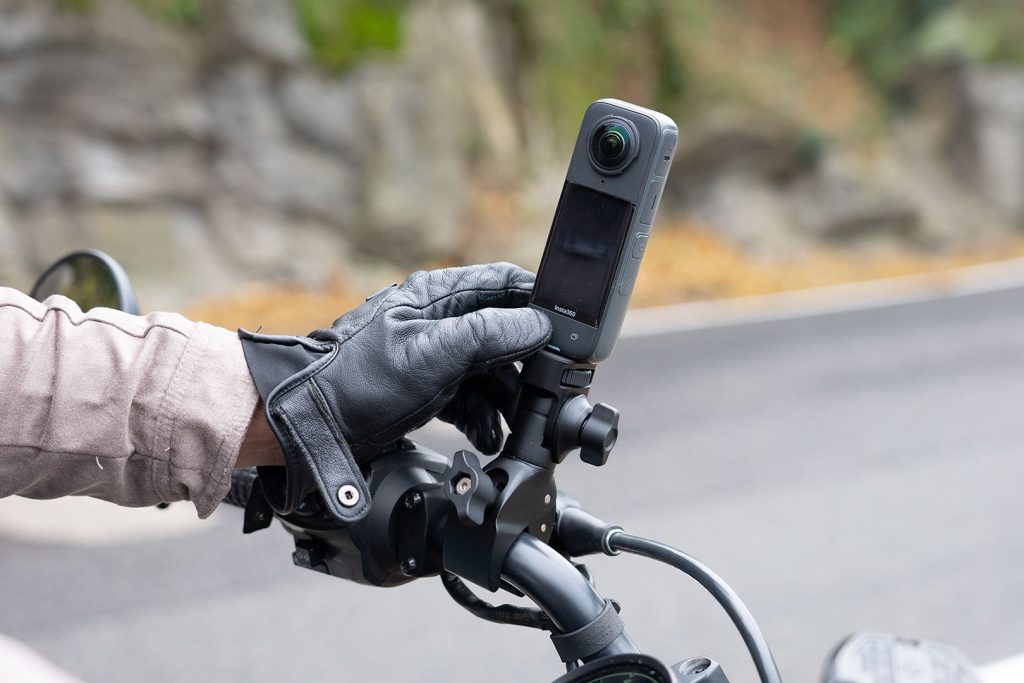
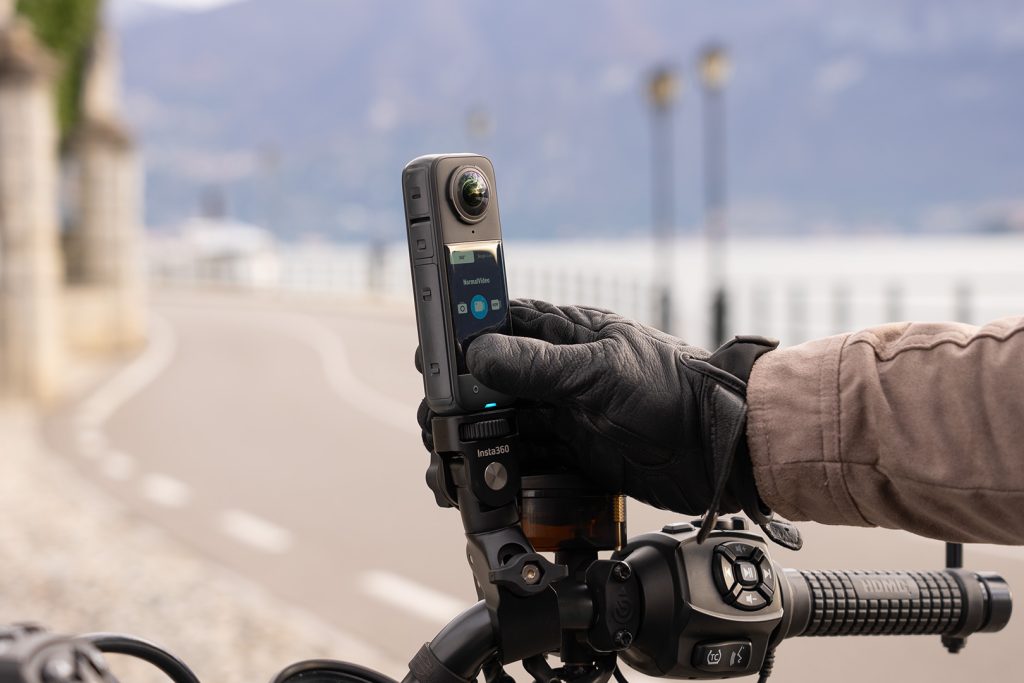
As you know, HOG® members get a special deal with Insta360 cameras as a membership benefit – a free motorcycle bundle with purchase of select cameras. The bundle includes helmet sticky mounts, a claw mount for handlebars or engine guards, plus an extended selfie stick that can be screwed into the mounts – everything you need to get up and running on your Harley-Davidson® motorcycle.
Visit HOG Canada to learn more and access your free bundle offer.*
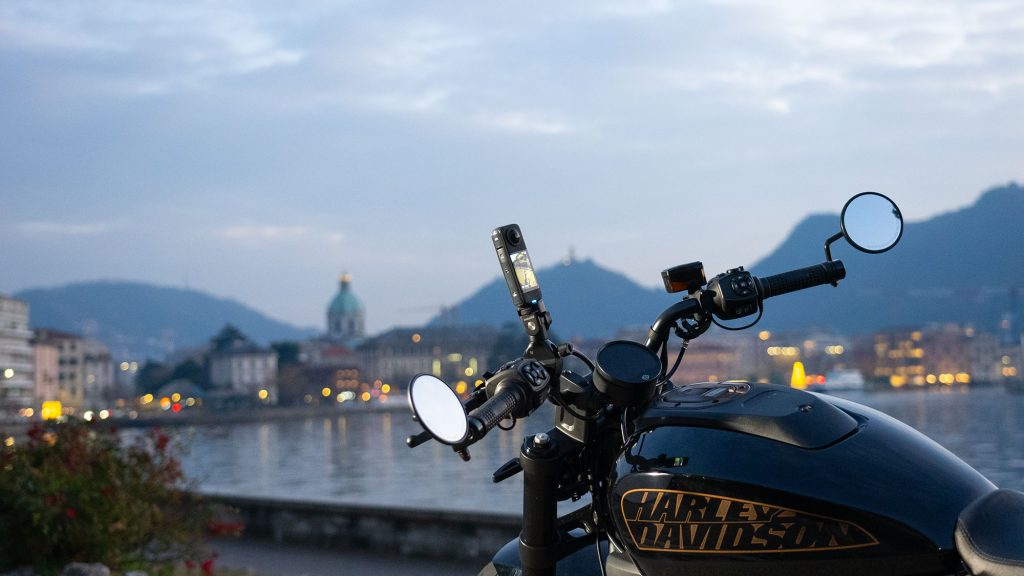
To enhance your experience with 360-degree cameras, we’ve asked Insta360 to share some top tips. This month, we join Philipp Dreyer from Insta360 Europe as he demonstrates where to place the camera on various Harley-Davidson motorcycles.
Translation in the video provided by AI
In this video, Philipp looks in detail at key mounting options, including where to locate the camera and how to use the mounts and additional mounting equipment most effectively, taking into account that you can capture the footage in full 360 and then aim the camera to see what you want in edit. Find out where to place the camera to achieve the view that you want: high for a drone-like experience, off the back of the motorcycle for a follow camera experience or out front to capture the open road as if you were following the camera.
*Moto bundle offer only available to Canadian and European members.
Tags:
Read more tales from the Harley Owners Group!

Riding With Purpose
Roxy Vardouniotis’ path into motorcycling reveals how confidence, freedom and belonging are often found on the open road

Destination Challenges: A New Benefit for HOG Canada Members
Lifetime HOG rider sets out to complete all 10 challenges as the program launches nationwide
